Dense Particle Seeding:
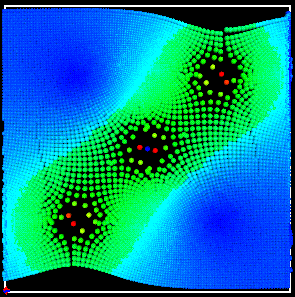
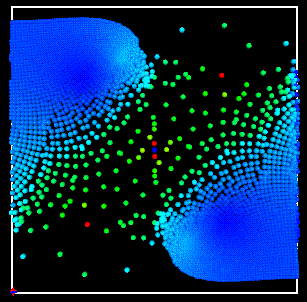
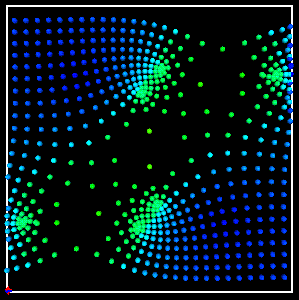
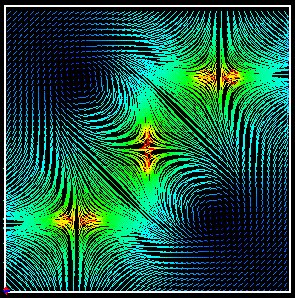
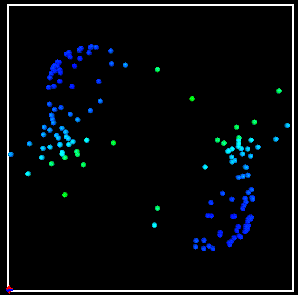
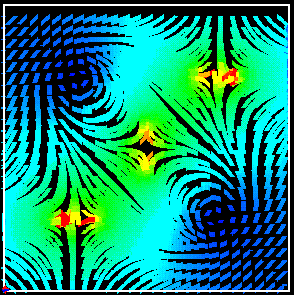
Instead of providing only static steramlines, I opted to animate the sreamlines as well. Tweaking the # integrations slider will make the streams progress further along their path if so desired.Setting the number of integrations lower will halt the animation.
Changing the seed step to a higher valuer will reduce the numbers of streams or particles you have. Setting it to 1 will be interesting/detailed but very slow.
To get an idea of what a slow moving field is doing, you can adjust the multiplier
(delta t) to scale the movement amount. When in particle mode, you can set the
respawn value, which dictates how many integrations take place before more particles
are added. In stream line mode, you can set the width of the streamlines as
well for a more painterly effect.
Check out the movies here, here,
and here.
Here are some sample pictures of the program in action:
Dense Particle Seeding: |
Dense Particle Seeding with Delta T turned way up: |
|
|
| Less Particles: | Dense, Thin Streamlines |
|
|
| Vortex Juggling: | Sparse, Thick Streamlines |
|
|
This program is really memory intensive and should only be run on the faster sparcs in the lab. If you set the particle respawn and spawn step too low, I take no responsibility for what happens. Try out larger respawns, spawn steps, and # integrations first, then adjust for the desired output.
Questions about this program? email me: n8lieby@hotmail.com